Anagram vs Google Docs
Google Docs is the best place there is for several people to write one thing at once. Anagram is for when the thing has to look right on paper: a report, a proposal, a contract, a document that is sent as a PDF and read by somebody who judges it by how it looks.
At a glance
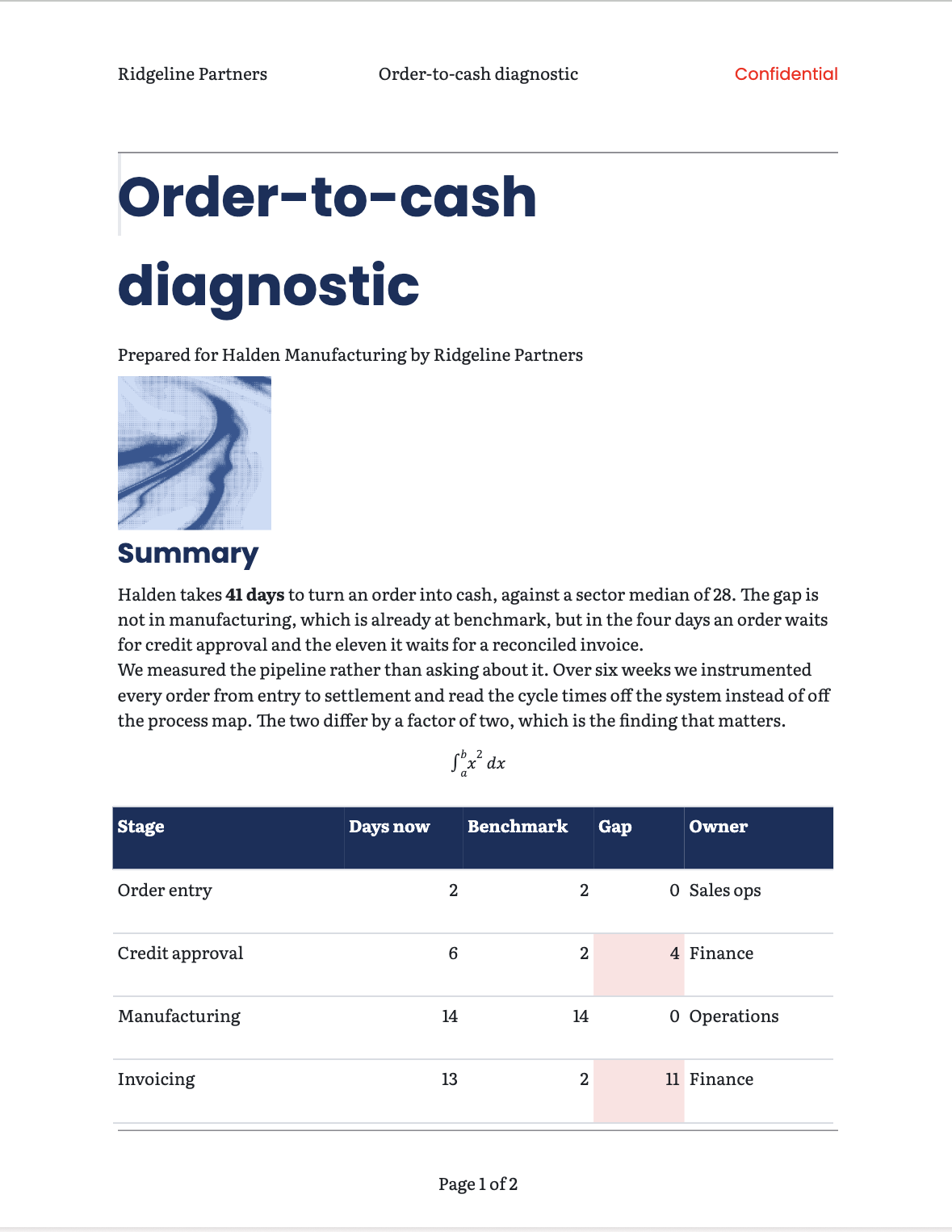
| Anagram | Google Docs | |
|---|---|---|
| Where it runs | In the browser | In the browser, with apps for phones and tablets |
| Pages | Real pages that print exactly as they look | Pages or pageless, with limited control over layout |
| Type | Twenty-one families built in, and a style sheet for spacing, tracking and caps | The Google Fonts library, with fewer controls over spacing |
| Tables | Header rows, banding, and colour rules that shade a column by its values | Borders and cell colours, set by hand |
| Charts | Drawn from a table in the document, and follow it when the numbers change | Come from a linked Google Sheet and are refreshed with Update |
| A value used in many places | Variables and formulas: change it once | Variable chips, on some Google Workspace plans |
| Maths | Written in LaTeX, exported as real Word equations | Built-in equation editor |
| Word and PDF files | Made by the engine that lays out the page, so they match it | Converted on download; layout can shift when opened in Word |
| AI | Any agent that speaks MCP, such as Claude Code, ChatGPT or Cursor, and every change it makes can be undone | Gemini, on Google Workspace plans that include it |
| Editing together, live | Soon | Yes, and it is the best there is |
| Comments and suggestions | Soon | Yes |
| Offline | Soon | Yes, with offline mode turned on |
| Price | Free | Free with a Google account; Workspace for teams |
Where Anagram is better
A page, not a web page
Docs is built around text that flows, and a document that has to fit a page, with margins, running headers, page numbers and a table that must not break, is where it runs out. Anagram lays out real pages, and what you see is exactly what prints.
Type and tables that look designed
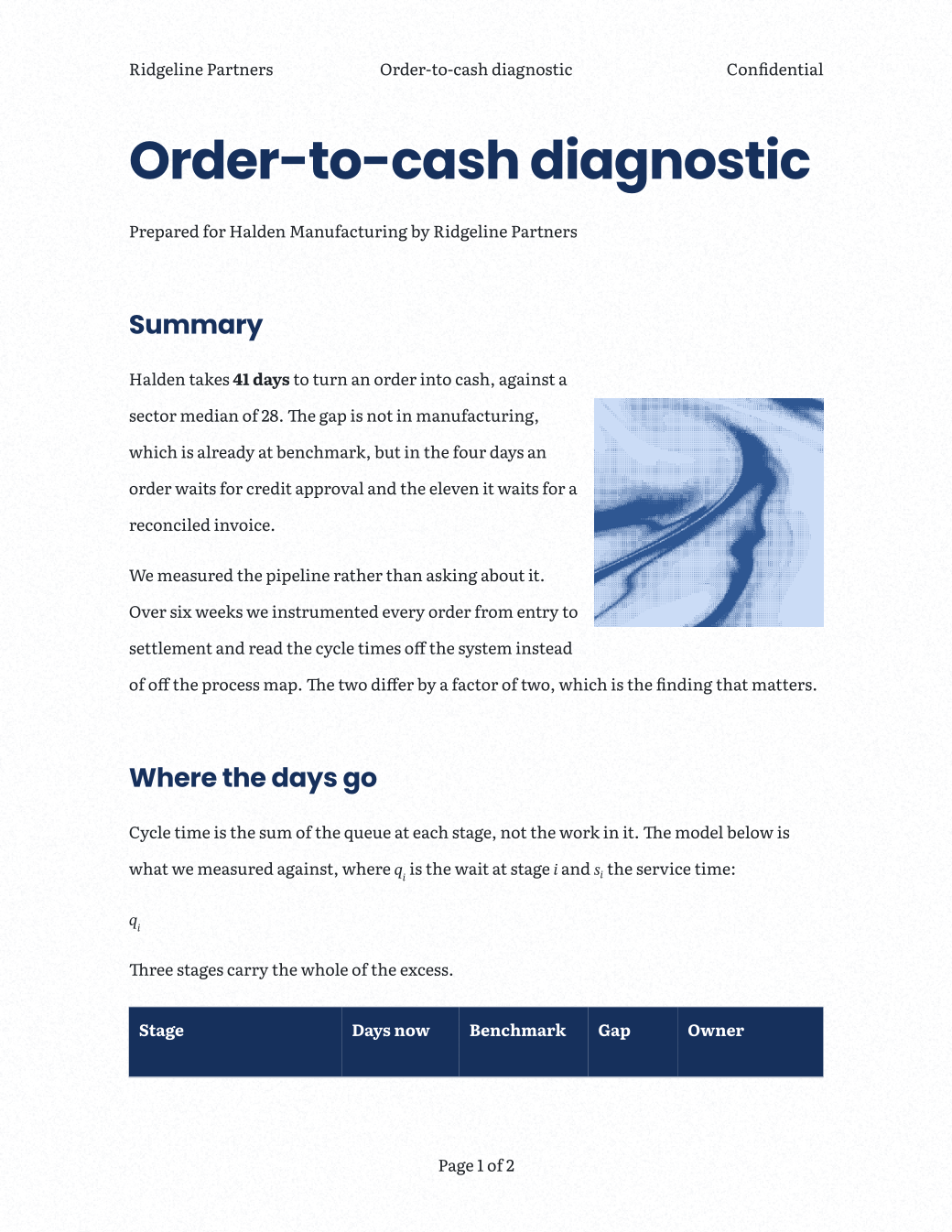
Anagram starts from one of six document styles, each a whole type system, and gives you the controls to change it: spacing, tracking, caps, a style sheet that follows every heading. Tables have header rows, banding and colour rules that shade a column by its own numbers.
Numbers in the document, not in another file
A chart reads the table in the same document and redraws when a figure changes, with no sheet to link and nothing to refresh. Variables and formulas keep a fee or a date right everywhere it appears.
Files that look the same as the page
The PDF and the Word file are made by the engine that laid the page out, not converted afterwards, so the document you send is the document you made.
Any agent, not only one
Anagram speaks MCP, so Claude Code, ChatGPT, Cursor or anything else that does can read and edit a document, and every change is a version you can undo. Share a link and an assistant in a chat can read it and edit it through the link.
Where Google Docs is the better choice today
Writing together, live
Docs is the standard for several people in one document at the same time, with cursors and presence. Live co-editing is coming to Anagram soon; until then, Docs is the one that does it.
Comments and suggestions
Suggesting mode and comment threads are how a team edits in Docs. Both are coming to Anagram soon.
Phones, offline and the rest of Workspace
Docs has apps for phones and tablets, works offline once it is turned on, and sits inside Gmail, Drive and Meet. Offline is coming to Anagram soon; for now it is a browser application on its own.
Moving over
In Docs, choose File → Download → Microsoft Word, then open the .docx in Anagram with File → Open. Text, headings, lists, tables and pictures come across. Comments and footnotes are not imported yet.
A document that started in Anagram goes back to Docs the same way: File → Save → Word (.docx), then open that in Drive.